Your resume and your references, in one file.
The half you write and the half only other people can, in one PDF you send whenever a person will open it.
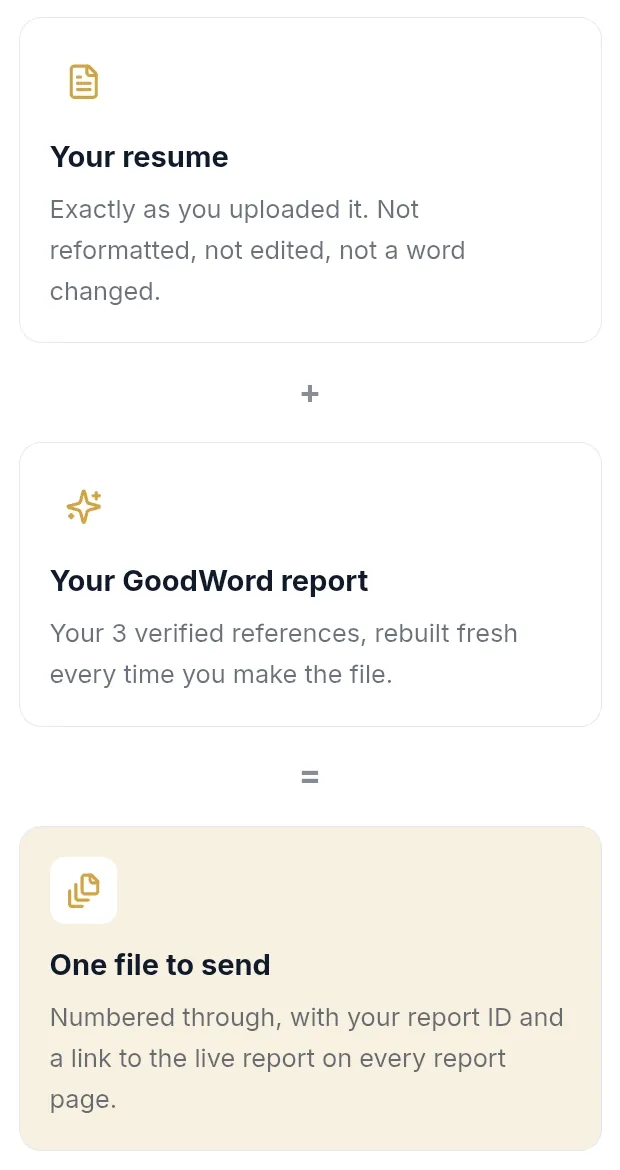
Your resume + your report = one file
Your resume goes in exactly as you wrote it. Not reformatted and not edited.
Your report is rebuilt fresh each time you make the file, so it always carries your latest references. Every report page shows your report ID and a link to the live report.
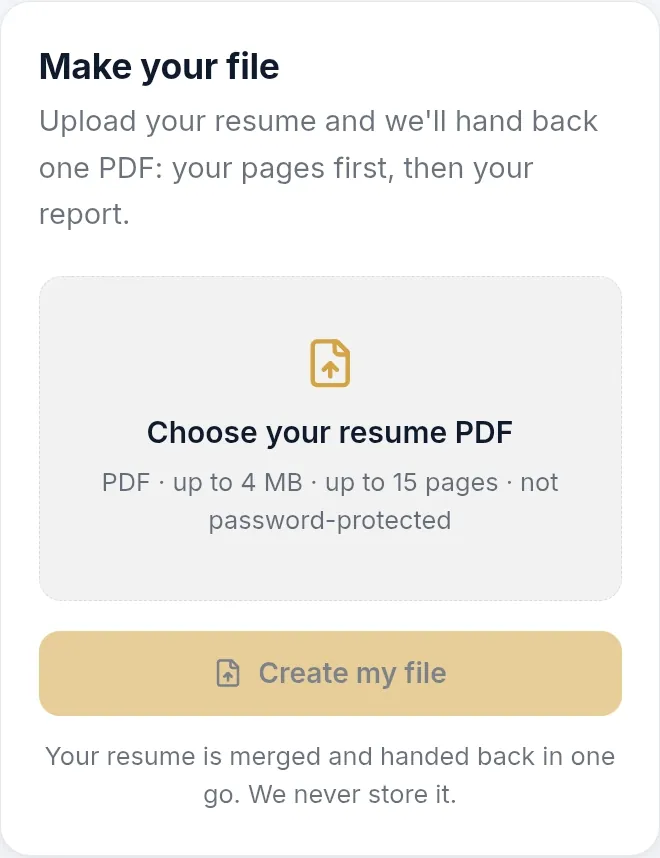
Upload, then download
Choose your resume as a PDF. You get one file back: your pages first, then your report.
Your resume is never stored. It is held in memory for that one request and then discarded.
You need an unlocked report first. That means three references.
For people, not portals. Job portals that read resumes automatically work best with a plain resume. Send Resume Pro Max when a person will open the file.