A candidate sent you a GoodWord report.
What you are looking at, what is checked and where its limits are.
What it is
References the candidate collected from people they have worked with: managers, peers, people who reported to them and clients. Each one answered a short questionnaire in their own words.
Words only. No ratings and no scores. The candidate cannot edit what anyone wrote.
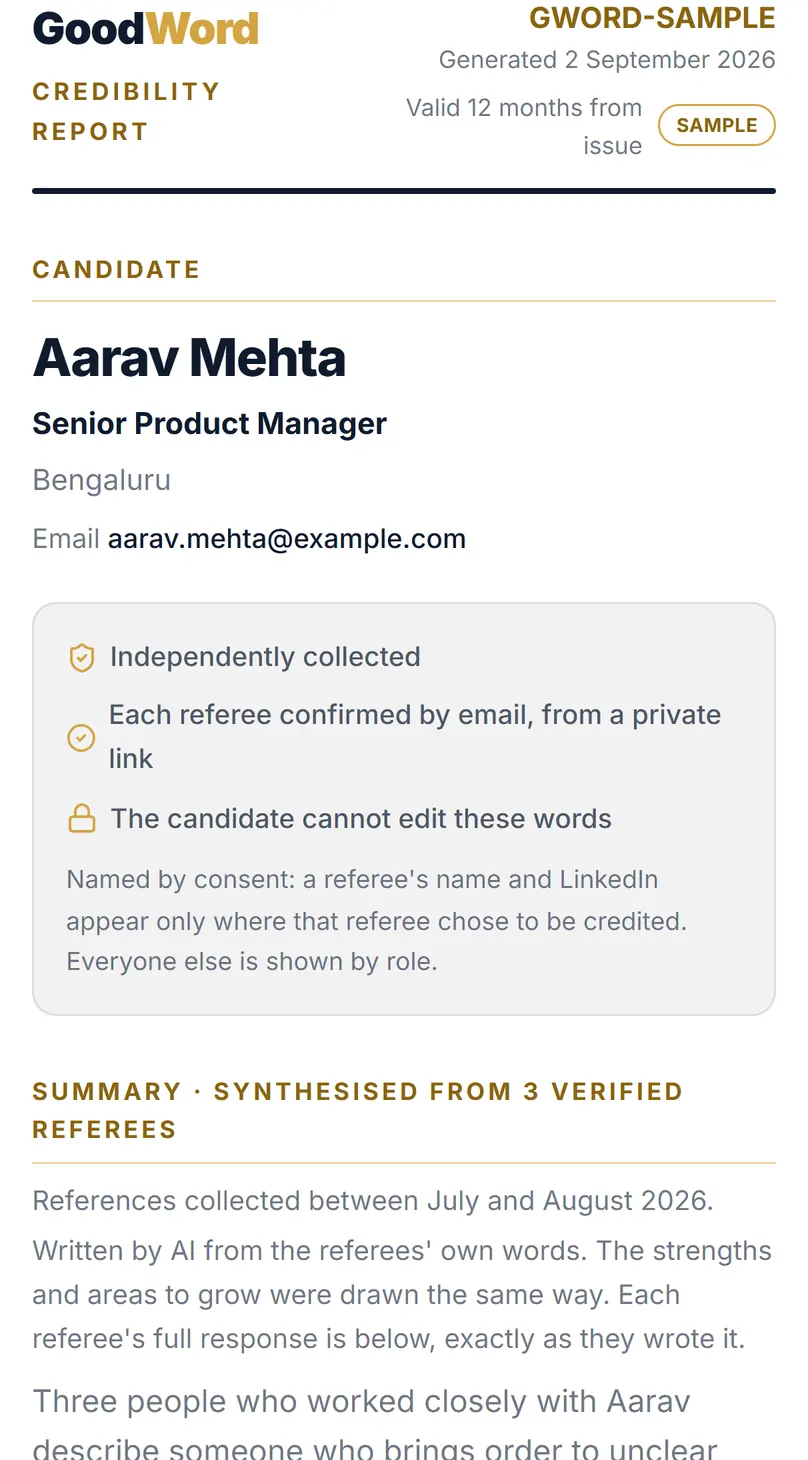
What “verified” means here.
We check that each reference came from the email address you gave us. We also look for signs of misuse. Every report says, in a word, how confident we are that its references are real and independent: Basic, Moderate, Good or Strong.
We do not check ID documents or employment records, so this is not a background check. Nobody can edit what a referee writes, not you and not us. The short summary at the top of a report is written with AI from their words. Their words are never changed.
A report is made once three people respond. If fewer do, there is no report.
Why it asks for your work email
You confirm a work email with a one-time code to open a shared report. The candidate then sees your name and company. They never see your email address.
The PDF and the live report
A PDF carries a QR code and a link to the live report. The live report is how you check that a PDF is real. A report is valid for 12 months.
You see roles
Each referee appears by role, such as Direct Manager. A name shows only where that referee chose to be named.
References are views
A reference is one person’s account of working with another. Read it as that, alongside your own interview.
It's easier for us to identify the real potential candidates, quicker.
Ask for it in your job post
If a report saved you time, tell candidates you welcome them. Copy this line into your next job post.
We welcome applications with a GoodWord report: verified references from people you have worked with. goodword.tech
Looking for a job yourself?
Collect your own references and send them with every application.
Free to use.